Raise Your AI’s IQ With Metadata

Every AI platform and copilot out there is built on reams of data. But the most accurate and relevant ones are built on data and metadata. Here's why that matters.
Every AI platform and copilot out there is built on reams of data. But the most accurate and relevant ones are built on data and metadata. Here's why that matters.

When it comes to choosing an LLM, there are two paths to take: open-source or not. We explore the benefits of going with an open-source LLM.

We answer some basic questions about what Salesforce does, what Salesforce CRM software is used for, and how Salesforce works.

Regulators, academics and politicians are calling for independent AI audits as a way to protect the public from AI’s potential harms. How to prepare.

How can a customer data platform complement your data warehouse? By providing instant access to data without a lift-and-shift.

With inflation sticking around, our first-quarter retail data shows shoppers acting like it’s 2023.

Get insights, and streamline processes with the latest Sales trends, insights, and conversations.
See All Stories
Read actionable advice from leading sales influencers as they focus on growth in the year ahead.

Perfect your sales calls using these sought-after tips from sales experts.


Big data came with big promises left largely unfulfilled. But advancements in AI and AI-era data platforms may be the key to finally unlocking its value.
These takeaways will help you streamline your rollout of Einstein Copilot, our new conversational AI assistant for CRM.

The best way to make sure your AI implementation is strategic and effective is to have clear business goals, and to ask the right questions.

They’re global and super tech savvy. But that’s not all. We spoke with two leading researchers about the nuances of connecting with this new generation.
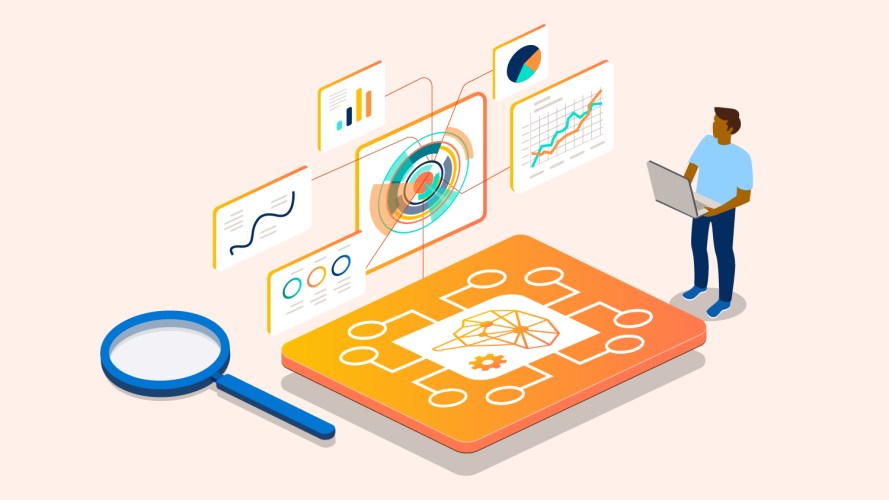
How to take generative AI prompts to the next level with retrieval augmented generation, or RAG.
Stay ahead in the game with the latest cutting-edge trends and expert tips, where innovation meets customer satisfaction.
See All Stories
Turn customer interactions into insights that help your business improve with service intelligence.

Some service leaders swear by Net Promoter Score, while others think it’s obsolete. We asked our Trailblazer community to weigh in. Here’s what they told us.


Get the latest articles in your inbox.